

Can You Print Direct Thermal Labels on a Thermal Transfer Label Printer?
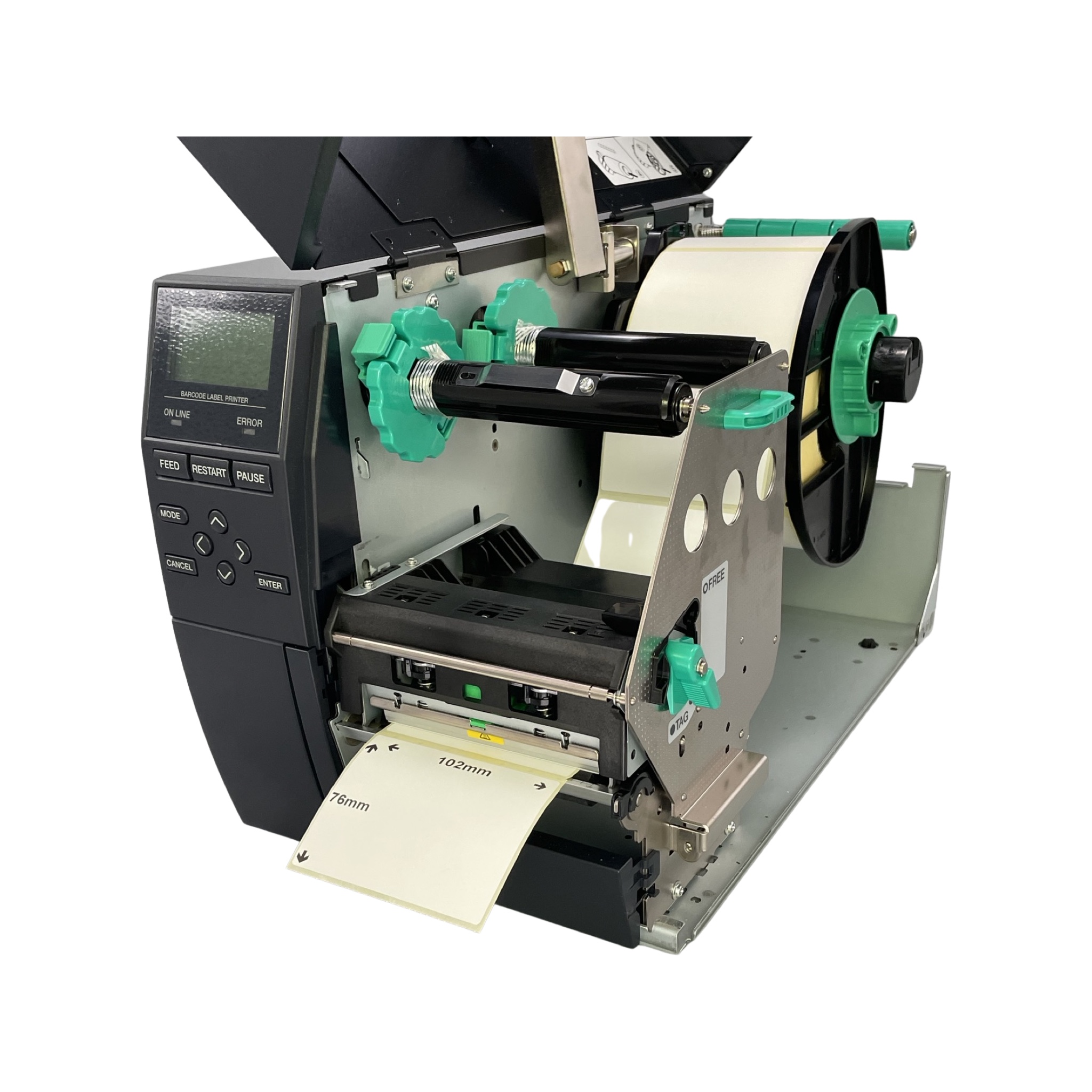
Thermal Transfer Printers in Direct Thermal Mode
Most thermal transfer printers on the market can also operate in direct thermal mode. This means you can print on heat-sensitive direct thermal labels without using a ribbon.
However, not all printers behave in the same way. Some models require you to adjust settings, while others will automatically detect that no ribbon is installed.
Printer Settings and Ribbon Detection
Thermal transfer printers use sensors to check for the presence of a ribbon. If the printer believes the ribbon has “run out,” it may display an error unless you tell it to switch into direct thermal mode.
To do this, you’ll usually need to change the ribbon setting in your label design software, rather than only in the Windows printer driver.
For example:
-
In most software, you would go to File → Print Setup → Options, then set the ribbon option to No.
-
In Bartender label printing software, you can change this by going to File → Print → Document Properties → Options and selecting the correct ribbon setting.
If you only update the setting in the Windows Control Panel, it’s likely to be overwritten when you print from your design software.
Conclusion
Yes – you can generally use a thermal transfer printer to print direct thermal labels. Just remember to:
-
Remove the ribbon.
-
Change your print settings to “Direct Thermal” within your label software.
-
Be aware that each printer model may have slightly different setup steps.
This flexibility means that many businesses can use one printer for both direct thermal and thermal transfer labels, depending on the job at hand.