

How Do I Print a QR Code?
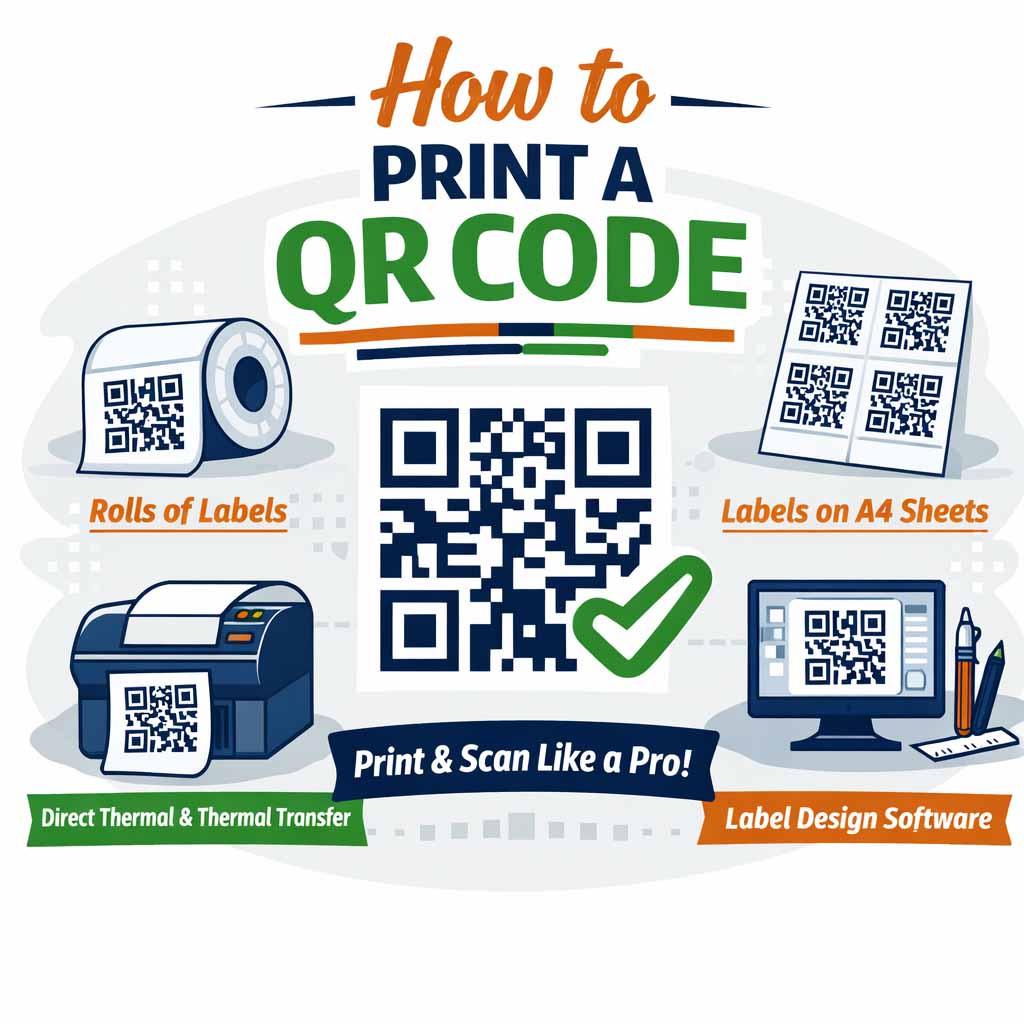
QR codes are everywhere - on packaging, shipping labels, marketing materials, and product inserts. When printed correctly, they provide a fast, reliable way for customers to access websites, instructions, videos, or contact details. In this guide, we’ll explain how to print a QR code properly, what to consider when choosing labels, and how to ensure your codes scan perfectly every time.
What Is a QR Code?
A QR code (Quick Response code) is a type of two-dimensional barcode that can store URLs, text, contact information, or other data. When scanned using a smartphone or barcode scanner, it instantly directs the user to the embedded information.
Because QR codes rely on precise contrast and clarity, how you print them matters just as much as how you generate them.
Step 1: Create Your QR Code Using Label Design Software
Start by generating your QR code using reliable label design software. Most modern label design software allows you to:
- Generate static or dynamic QR codes
- Control size and error correction levels
- Place the QR code accurately within your label layout
- Combine QR codes with text, logos, or barcodes
Make sure the QR code is large enough to scan easily, especially if it will be printed on small labels.
A Free Tool for Generating QR Codes
If you’re looking for a simple, free way to create QR codes, Adobe Express is an excellent option. Its built-in QR code generator allows you to quickly create clean, high-contrast QR codes without needing advanced design skills or paid software. You can customise the size, download the QR code as an image, and then import it directly into your label design software for use on rolls of labels or labels on A4 sheets. This makes Adobe Express a great starting point for businesses that want professional-looking QR codes with minimal setup.
Step 2: Choose the Right Label Format
The type of labels you use plays a huge role in print quality and durability.
Rolls of Labels
If you’re printing high volumes, rolls of labels are ideal. They’re commonly used with thermal printers and are perfect for:
- Shipping and logistics
- Product identification
- Warehouse and inventory labels
Roll labels are compatible with both direct thermal labels and thermal transfer labels, depending on your application.
Sheets of Labels
For office printing or smaller runs, labels on A4 sheets are a practical and cost-effective option. These work with standard laser and inkjet printers and are ideal for:
- Marketing QR codes
- Event and promotional labels
- Short-run product labels
Our sheets of labels are designed for consistent alignment and clean printing, ensuring QR codes remain sharp and readable.
Step 3: Select the Correct Printing Method
Direct Thermal Labels
Direct thermal labels are printed using heat and require no ribbon or ink. They’re best suited for short-term use, such as shipping labels or temporary QR codes. Keep in mind they can fade over time if exposed to heat or sunlight.
Thermal Transfer Labels
Thermal transfer labels use an ink ribbon to produce a durable, long-lasting print. This method is recommended for QR codes that need to remain scannable over long periods or in harsh environments.
Step 4: Print at the Right Resolution
To ensure your QR code scans correctly:
- Use a high print resolution (300 dpi where possible)
- Print in solid black on a white or light-coloured label
- Avoid scaling the QR code after placing it in your design
- Leave adequate quiet space around the code
Both our rolls of labels and sheets of labels are manufactured to support crisp, high-contrast printing.
Step 5: Test Before Full Production
Always scan your printed QR code before running a full batch. Test it using multiple devices and scanning apps to confirm:
- Fast recognition
- Correct destination or data
- No distortion or ink bleed
This step helps prevent costly reprints and ensures a professional result.
Why Label Choice Matters for QR Codes
Poor-quality labels can cause QR codes to blur, fade, or fail to scan. High-quality materials ensure:
- Sharp edges and strong contrast
- Adhesives that stay in place
- Consistent performance across printers
Whether you’re using rolls of labels with thermal printers or labels on A4 sheets in an office environment, the right label stock makes all the difference.
Final Thoughts
Printing a QR code isn’t complicated, but doing it right requires the correct combination of label design software, printing method, and high-quality labels. By choosing the right format, from direct thermal labels to thermal transfer labels or labels on A4 sheets, you’ll ensure your QR codes remain clear, professional, and easy to scan.
If you’re printing QR codes for shipping, products, or promotions, our rolls of labels and sheets of labels are designed to deliver consistent, reliable results every time.