

Category Attachment - Tabs - Class on row - Category-data
Zebra ZD411d Printer Technical Information & Downloads
Downloads & Resources
Zebra GK420d User Manual (PDF)
Printer Driver & Software Downloads
Technical Specifications & Data Sheet
Firmware Updates
Calibration and Setup Guides
Html block - class "category-attachments"
To calibrate the Zebra ZD411d simply power on the printer and press and hold the PAUSE and CANCEL buttons together for around two seconds. The printer will automatically feed labels out and measure and align your labels.
Compatible Supplies
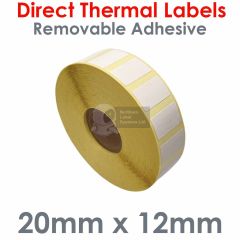
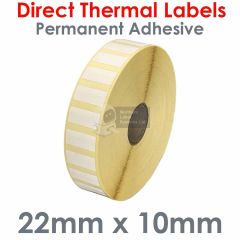
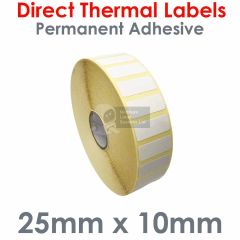
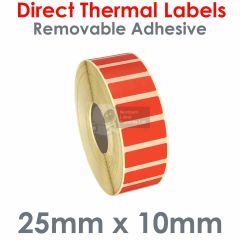
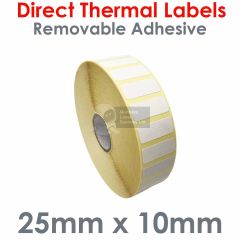
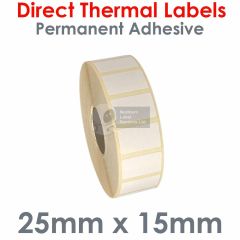
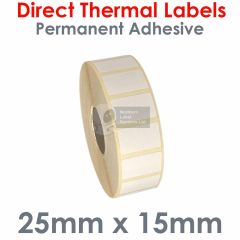
This page contains a large variety of labels that are compatible with the Zebra ZD411d. As this is a direct thermal label printer no ink ribbon is required.
General features
- Print technology: Direct thermal printing (no ink ribbon required)
Printer specifications
- Resolution: 203 dpi (8 dots/mm) or 300dpi (12 dots/mm)
- Print width: Up to 56 mm for 203dpi and 54mm for 300dpi version
- Print length: Up to 991 mm
- Media sensors: Reflective and transmissive sensors
- Speed: Prints up to 152 mm (6 inches) per second
Media characteristics
- Maximum roll diameter: 127mm
- Media width: 15mm - 60mm
- Core diameter: 12.5mm, 25mm and 38mm
- Types: Supports a variety of media, including roll-fed or fan-fed, die-cut or continuous labels, tag stock, and wristbands
Frequently Asked Questions — Zebra ZD411d Label Printer
1. How do I install the Zebra ZD411d printer driver?
You can download the latest Zebra ZD411d printer driver and setup utilities from Zebra's website. Once downloaded, run the installer and follow the on-screen prompts to complete the installation on your Windows system.
2. How do I calibrate my Zebra ZD411d label printer?
To calibrate, power on the printer and press and hold the PAUSE and CANCEL buttons together for around two seconds. The printer will automatically feed labels out and measure and align your labels.
3. What type of labels does the ZD411d use?
The Zebra ZD411d uses direct thermal labels, no ribbon is required. It supports label rolls up to 160mm wide suitable for shipping, barcode, and product labelling.
4. Why is my Zebra ZD411d skipping or misaligning labels?
This usually indicates that the printer needs to be recalibrated or that the label sensor is dirty. Run the calibration procedure and clean the sensors with a lint-free cloth. Check that labels are properly loaded and within specification.
5. How do I reset the Zebra ZD411d to factory settings?
Switch the printer off then back on again while holding the PAUSE and FEED buttons until only the STATUS indicator light is on. The printer will now feed out a few blank labels to indicate that the reset has been successful.
6. Can I connect the Zebra ZD411d via USB or network?
Yes. The ZD411d supports USB, Serial, and Ethernet connections depending on your model. Refer to the user manual for connection setup and driver installation instructions.
7. Where can I find the Zebra ZD411d Specification Sheet?
You can download the official Zebra ZD411d Specification Sheet (PDF) in the Downloads section above. These include full specifications for this model.
